
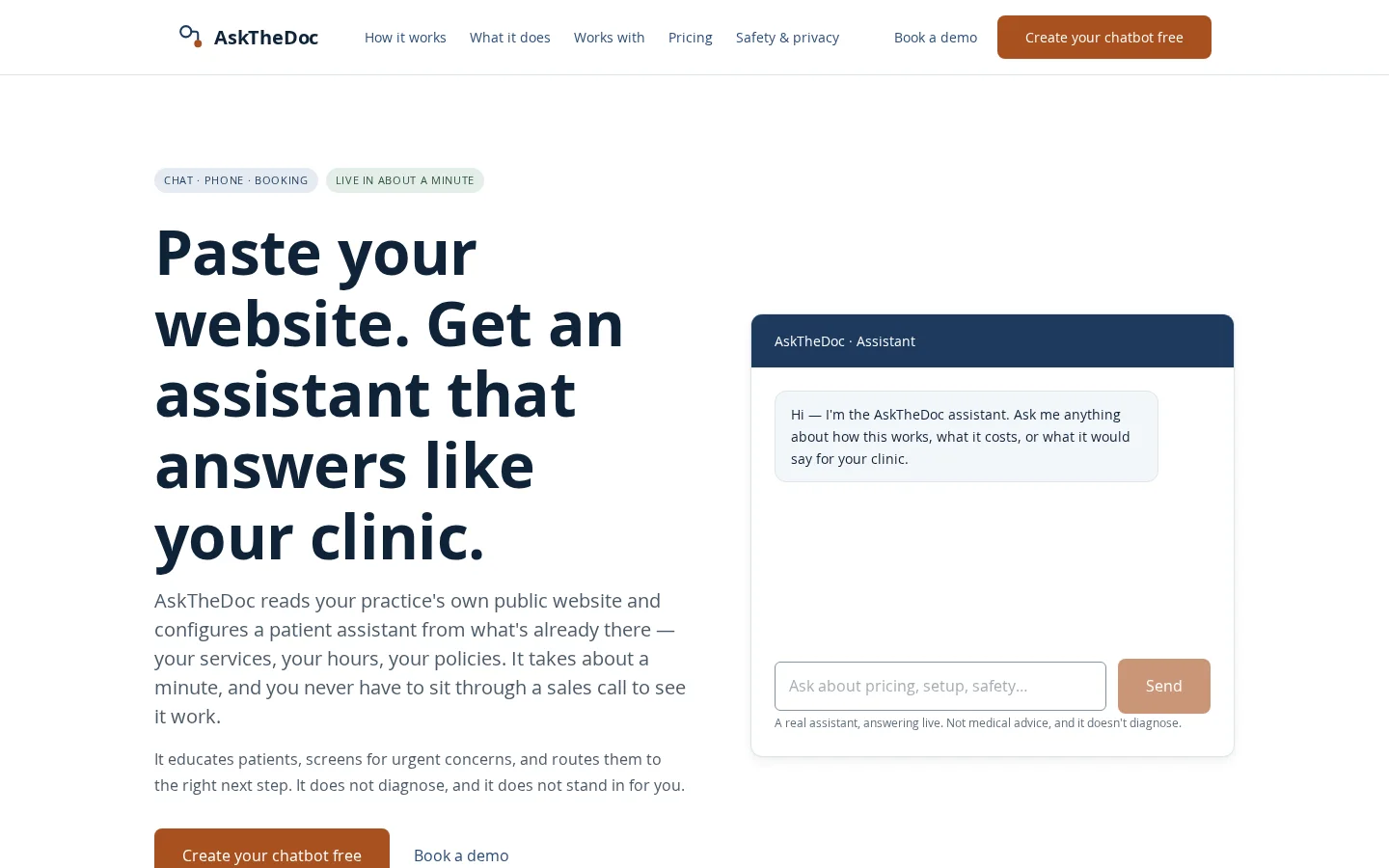
What is AsktheDoc?
Ask The Doc is an AI assistant tailored for clinics, automatically configured using the clinic’s own website content without requiring IT assistance or project planning. In roughly 60 seconds and through just three straightforward steps, it’s ready to go. By analyzing publicly available webpages—such as those detailing services, operating hours, addresses, and treatment philosophies—it sets up response logic without accessing any private information. Users can preview and edit every reply, define mandatory questions, and specify clear guidelines for transferring calls to human agents. With only a single line of code embedded on the website, conversation summaries are instantly sent to the team’s email inbox, enabling quick review between patient interactions. This assistant covers three key scenarios: website chat, telephone answering, and integration with appointment systems—all drawing from the same knowledge base to ensure consistent, trustworthy information across all touchpoints.
Key features
Embed a corner‑style chat assistant on your clinic’s official website to automatically answer frequently asked questions (such as business hours, services offered, and insurance policies), screen for emergency situations and provide clear guidance, while also generating concise summaries after each conversation.
Integrate with your clinic’s existing phone lines: during evenings, lunch breaks, or busy periods, it will automatically respond, answering questions in your clinic’s own language, taking messages, and routing urgent calls directly to human agents according to pre‑set rules. Call summaries and chat transcripts are consolidated and delivered together.
Use cases and audience
Ideal for small and medium‑sized medical clinics that already have a website, particularly suited to clinical settings such as chiropractic care, physical therapy, and rehabilitation, where patients often need quick answers to basic questions.
- Embed a chat assistant on your clinic’s website to automatically respond to common patient inquiries regarding business hours, services offered, insurance policies, and more.
- Connect to the clinic’s phone line, with automated after-hours answering and forwarding of emergency calls
- Integrate with existing appointment management software (such as ChiroTouch, WebPT, Athenahealth, etc.) to automatically sync patient inquiries into the scheduling system
The clinic’s publicly available website address—including published information on services, operating hours, location, and descriptions of care provided.
A chat window in the website sidebar, automated voice responses over the phone, email summaries of every conversation or chat in plain text, and structured patient inquiry data synchronized with appointment‑booking software.
Frequently asked questions
Will the assistant perform clinical diagnoses?
No. The assistant is only used for health education, emergency screening, and guiding patients to the appropriate next steps; it does not make diagnoses, interpret test results, or provide clinical decision-making. In case of emergencies, it will clearly alert users and connect them with a human operator.
Does configuring the assistant require IT personnel or a project plan?
No. As long as your clinic already has a website, most of the work is already done; no project planning or IT staff are required—configuration can be completed in about 60 seconds using just three steps.
How to use
- 01
Paste the clinic’s website URL; the system will automatically extract publicly available page content (e.g., services, hours, location) to configure the assistant
- 02
The review assistant will refine the responses, adjust wording, fill in missing information, set up mandatory questions, and define triggers for transferring calls to human agents
- 03
Add a single line of code to the website, or delegate deployment to your web maintenance team; call summaries will be sent directly to the team’s email inbox
- 04
Optional: Contact the Ask the Doc team to complete one-on-one integration setup with your existing appointment/practice management software
Pricing and availability
Website chat assistant: $100/month per clinic; phone assistant: $100/month plus $0.19 per minute (billed based on actual minutes used); appointment software integration: one-time fee of $200 plus $50/month (integration depth varies depending on the platform). Configuration and trial are completely free, with no credit card required and no sales calls.
- Pricing source
- https://askthedoc.app/
- Pricing last updated
- 2026-10-28
Prices and limits may change. Check the official website for current terms.
Official website & sources
Updated on 2026-10-29
