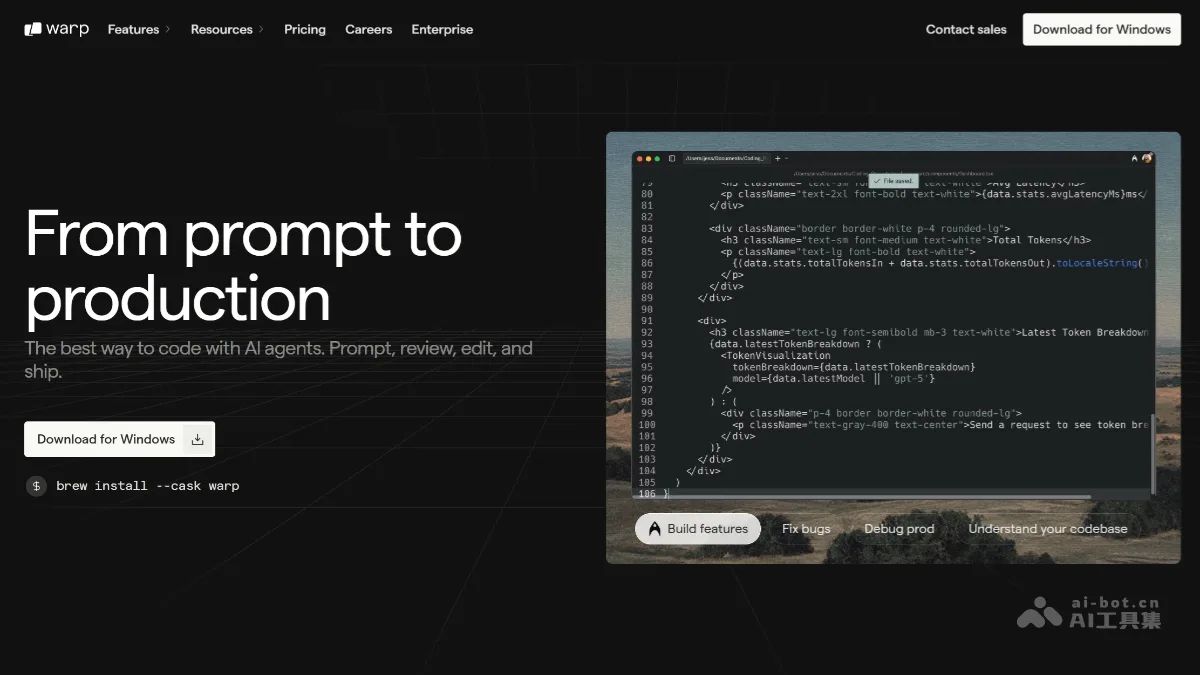
What is Warp?
Warp’s current official website describes the product as an open software factory infrastructure. The Factory definition places code repositories, credential references, MCP services, cloud environments, and agent default settings in versioned configurations, enabling the organization of workflows from tasks to code changes.
The platform introduces optional models and agent operating modes, API/CLI/SDK/MCP integration, chat and ticket system integration, as well as evaluation, benchmarking, and improvement loops. Teams can monitor and resume operations via web, mobile, terminal, or IDE, and manage access according to organizational policies.
The official website still offers Warp Terminal for download, but the main entry on the homepage is for applying to gain early access to the Software Factory. This entry retains the background information about the terminal product while updating the description to reflect its current publicly available positioning; the cost savings, task throughput, and example run results presented do not constitute fixed performance or pricing guarantees for all accounts.
Key features
Software Factory Configuration and Version Management
Warehouse and execution environment connection
Model and Agent Runtime Selection
MCP, API, CLI, and SDK entry points
Task and Collaboration Tool Integration
Reviews, Benchmarks, and Access Governance
Use cases and audience
Developers, engineering platform teams, and organizations that manage coding agents
- The intelligent agent development process for organizational teams
- Unified warehouse, model, and execution environment configuration
- Evaluating the results of different development workflows
Warehouse, Tasks, Execution Environments, and Agent Configurations
Development tasks run under configuration management and code changes
How to use
- 01
Select either the Terminal download or the current Software Factory application portal based on your objective.
- 02
Follow the official documentation to clearly define the repository, execution environment, model, and access boundaries.
- 03
Validate and evaluate the workflow using small-scale tasks, then gradually fine-tune the configuration.
Official website & sources
Updated on 2026-10-25