

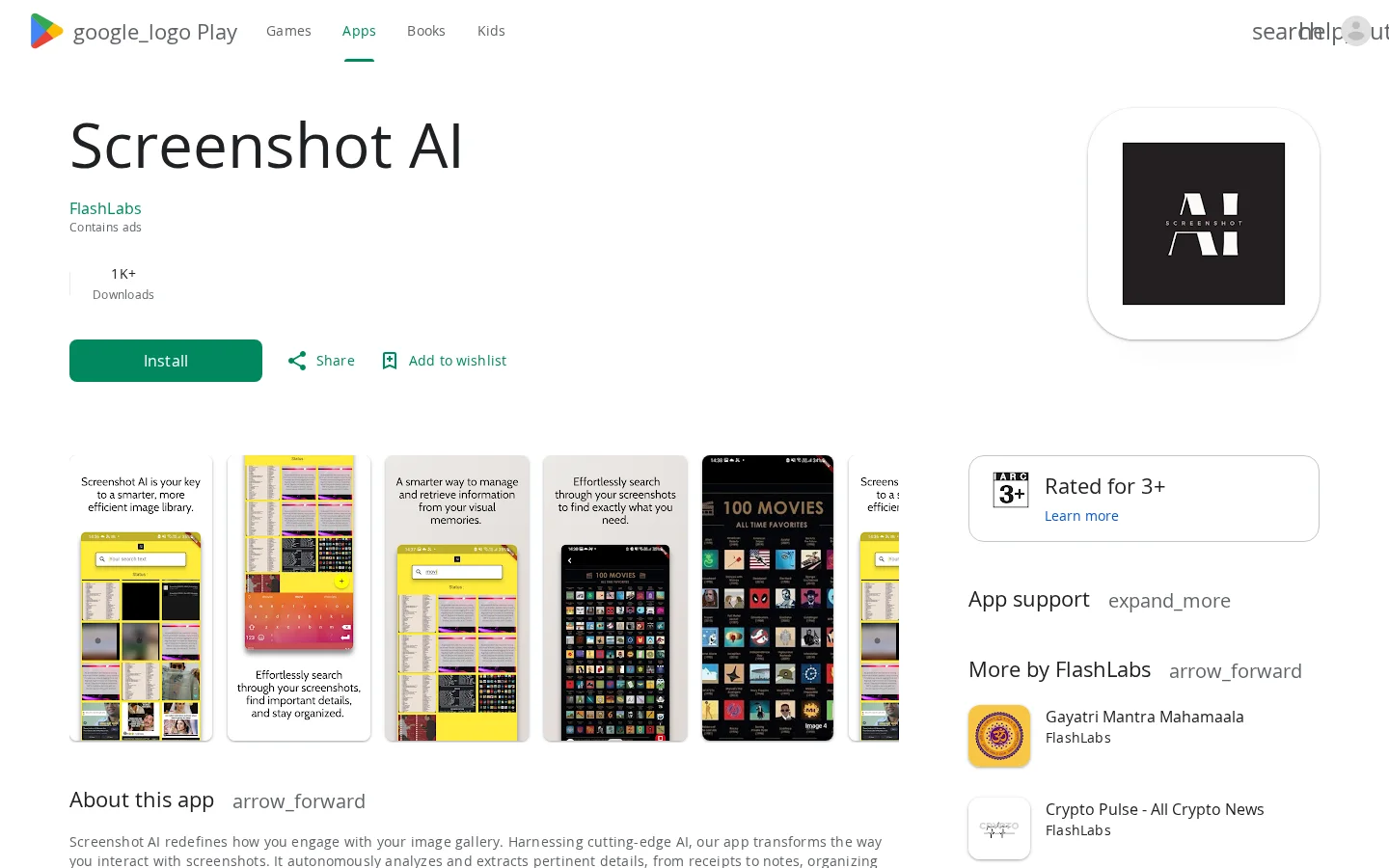
What is Screenshot AI?
Screenshot AI leverages advanced AI to automatically analyze and extract critical details from screenshots, including receipts, notes, or important text, transforming disorganized image data into a structured, searchable visual database. Its intuitive search feature enables users to swiftly find the screenshots they need, significantly boosting information retrieval efficiency and bringing greater organization to digital life.
Key features
Automatically analyzes and extracts key information from screenshots, such as receipts and notes.
Supports intuitive content-based search to quickly locate specific screenshots.
Use cases and audience
For ordinary users who need to efficiently manage screenshots and extract structured information from them.
- Automatically extracts receipt information from screenshots.
- Automatically extract important note content from screenshots
- Automatically categorize and organize key information in screenshots
Screenshot image files stored in your phone’s gallery.
Text information extracted from screenshots—such as receipt amounts or note contents—and a categorized, organized screenshot library.
Frequently asked questions
Does Screenshot AI collect user data?
It does not collect any user data; the developer states “No data collected”
How to use
- 01
Install the Screenshot AI app on Google Play
- 02
Open the app and grant access to your photo album
- 03
Wait for the AI to automatically analyze existing screenshots
- 04
Use the built-in search feature to find specific screenshots or extracted information
Pricing and availability
Contains ads; free to download; no details provided regarding a paid version, subscription period, commercial usage restrictions, or usage limits.
- Pricing source
- https://play.google.com/store/apps/details?id=com.ss.assistant.screenshot_assistant
- Pricing last updated
- 2026-11-01
Prices and limits may change. Check the official website for current terms.
Official website & sources
Updated on 2026-11-01


