
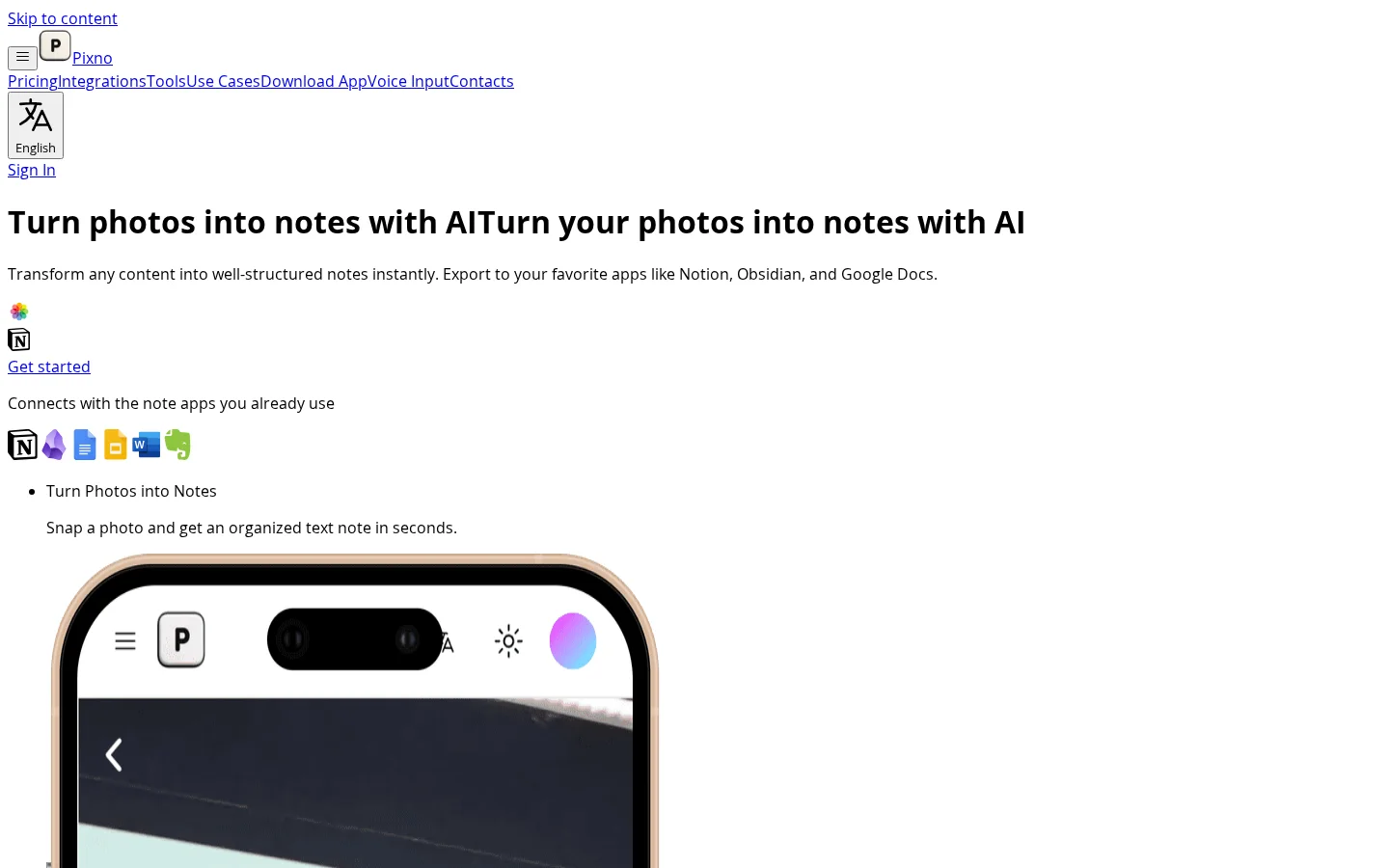
What is Pixno?
Pixno turns your smartphone into a portable smart notebook: by taking photos, uploading audio files, or importing documents, AI generates organized, well-structured notes in seconds. Powered by GPT-4 Vision and GPT-4o technologies, it not only recognizes text within images but also understands complex visual information such as Venn diagrams and statistical charts—going beyond traditional OCR. All notes are synced across devices in real time and can be exported with one click to mainstream apps like Notion, Obsidian, Google Docs, and Microsoft Word. Users can also access supplementary readings and summaries based on their notes, initiate real-time collaborative sharing, and customize settings according to their personal preferences.
Key features
AI Image Understanding and Structured Note Generation: Leveraging GPT-4 Vision and GPT-4o, it accurately analyzes images such as photos, slides, and meeting transcripts, automatically extracting key information and organizing it into logically structured text notes, supporting the recognition of charts and non-textual visual elements.
Multi-Format Input and Cross-Platform Export: It supports various input sources, including MP3 lecture recordings, PDF textbooks, and handwritten notes or slides captured on your phone. Generated notes can be exported with one click to Notion, Obsidian, Google Docs, Microsoft Word, and any other application that accepts text imports.
Use cases and audience
Students, educators, knowledge workers, and anyone who needs to efficiently process multimodal learning or work materials.
- Convert classroom whiteboard photos into structured review notes with a single tap.
- Automatically extract PDF textbook chapters into reviewable summary notes
- Upload lecture recordings to generate well-organized meeting minutes
Images (including whiteboards and slides), PDF documents, and MP3 audio files.
Structured text notes, complete with summaries, AI-generated Q&A, external reference links, and support for exporting to applications like Notion, Obsidian, and Google Docs.
Frequently asked questions
What input formats does Pixno support?
Supports input in multiple formats, including images (such as whiteboards and slides), PDF documents, MP3 audio, and more.
Can my notes automatically sync across my phone and computer?
Yes, Pixno supports real-time cross-device synchronization, allowing you to seamlessly continue writing and access your notes across mobile phones, tablets, and desktop devices.
How to use
- 01
Capture or upload raw content such as images, PDFs, audio files, etc.
- 02
Pixno automatically recognizes and understands the context of the content, generating structured text notes
- 03
Optionally add external reference materials and summaries to deepen your notes
- 04
Export with one click to popular note-taking apps like Notion, Obsidian, Google Docs, and more
Benefits and limitations
Benefits
- Convert multiple media types into organized notes
- Enhance notes with external references
- Integration with popular note-taking apps
- Provides multi-device synchronization
- Uses advanced AI for contextual understanding
Limitations
- For extensive use, a paid plan may be required
- Relies on AI accuracy for note generation
- Depending on the plan, there may be limits on file size and processing speed
Official website & sources
Updated on 2026-10-30

