

What is Listnr AI?
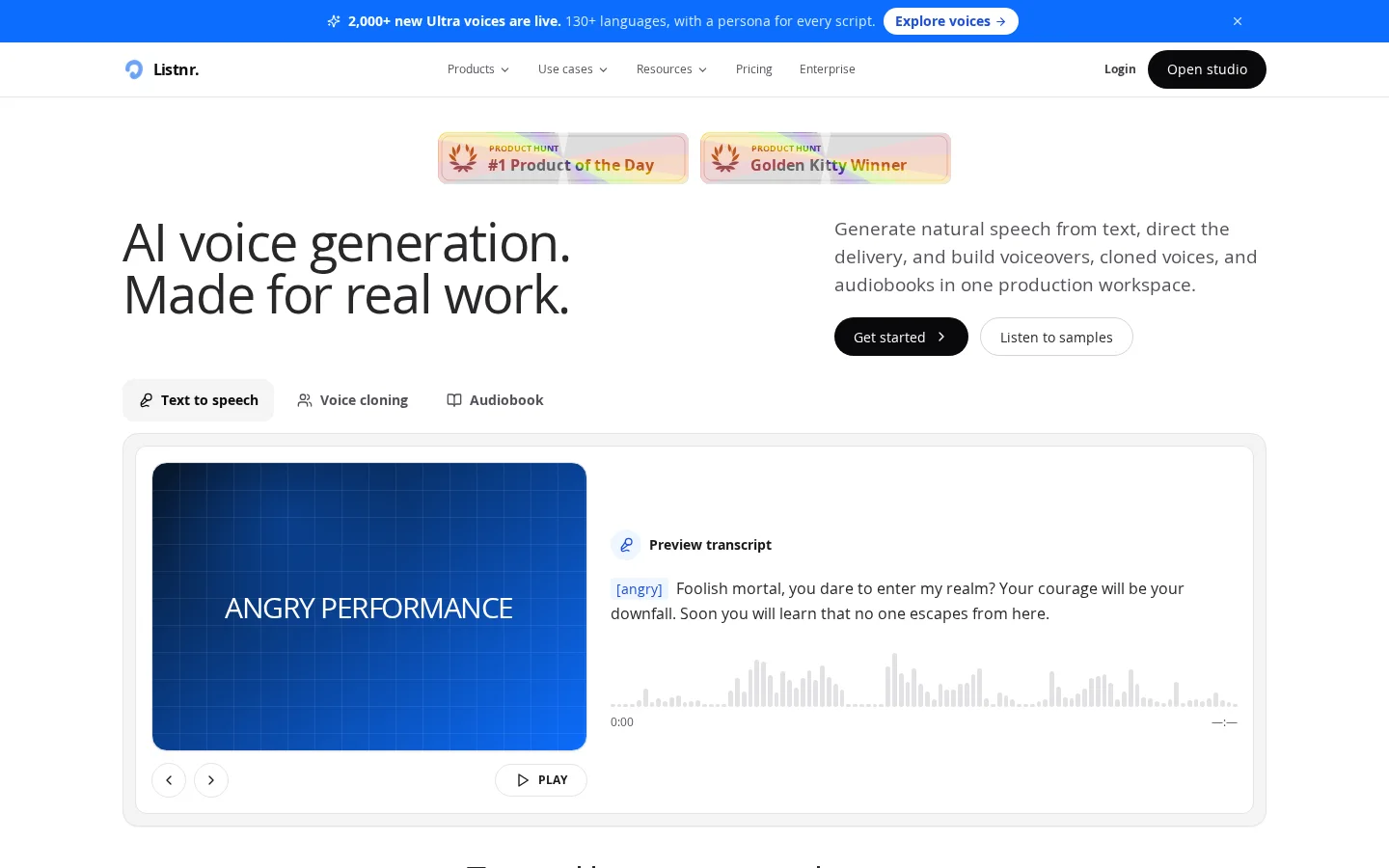
Listnr AI is specifically engineered for real-world professional use cases, enabling users to effortlessly convert scripts into natural-sounding audio for videos, podcasts, and educational content. Within the browser, users can edit scripts, select voices, preview in real time, and make fine adjustments—all without requiring a recording studio or complex workflows. The platform provides over 1,000 hyper-realistic AI voices, covering diverse languages, accents, and emotional expressions such as anger or cheerfulness, allowing users to filter by language, gender, and style and assign unique voices to specific roles. Additionally, users can upload authorized recordings to create personalized, reusable voice clones, ensuring long-term consistency across brand communications. Export formats are compatible with YouTube videos, social media ads, product demos, training materials, and global marketing initiatives, among other applications.
Key features
It supports over 1,000 hyper-realistic AI voices, covering multiple languages, accents, and region-specific content workflows. Users can filter by language, gender, and style, and assign distinct voices to different characters.
The platform offers voice cloning functionality: simply upload an authorized recording to generate a reusable personal voice model, ensuring consistent vocal delivery in subsequent outputs without the need for repeated recordings.
Use cases and audience
Content creators, educators, publishers, and corporate teams.
- Convert scripts into audio for videos, podcasts, and learning materials.
- Create voiceovers in local languages and accents for a global audience
- Generate consistent brand voice content using approved cloned voices
Text scripts (supporting multiple languages and accents), with optional original voice recordings available for cloning.
Studio-quality audio files suitable for podcasts, audiobooks, YouTube videos, social media ads, product demonstrations, training materials, and global marketing campaigns.
Frequently asked questions
How does Listnr AI convert text to speech?
Open Listnr Studio, paste or write your script, select a voice, preview the delivery, and export the generated audio for use in videos, podcasts, training materials, or marketing campaigns.
Does Listnr AI support voice cloning?
Yes, Listnr supports cloning voices that you own or are authorized to use, helping teams and creators maintain narrative consistency without having to re-record.
How to use
- 01
Paste or write your script in Listnr Studio
- 02
Choose the right voice from a library of 1,000+ AI voices
- 03
Preview the audio output and adjust emotion/style settings
- 04
Export finished audio files suitable for videos, podcasts, audiobooks, and more
Benefits and limitations
Benefits
- Realistic and natural AI voice
- Rich voice and language library
- Voice cloning capability
- User-friendly text-to-speech editor
- Podcast hosting and distribution features
- API integration suitable for developers
- Multiple applications across various industries
Limitations
- Pricing may vary depending on the plan
- Some users may need time to master the TTS editor for advanced customization.
Official website & sources
Updated on 2026-10-30

