
What is ImgPilot?
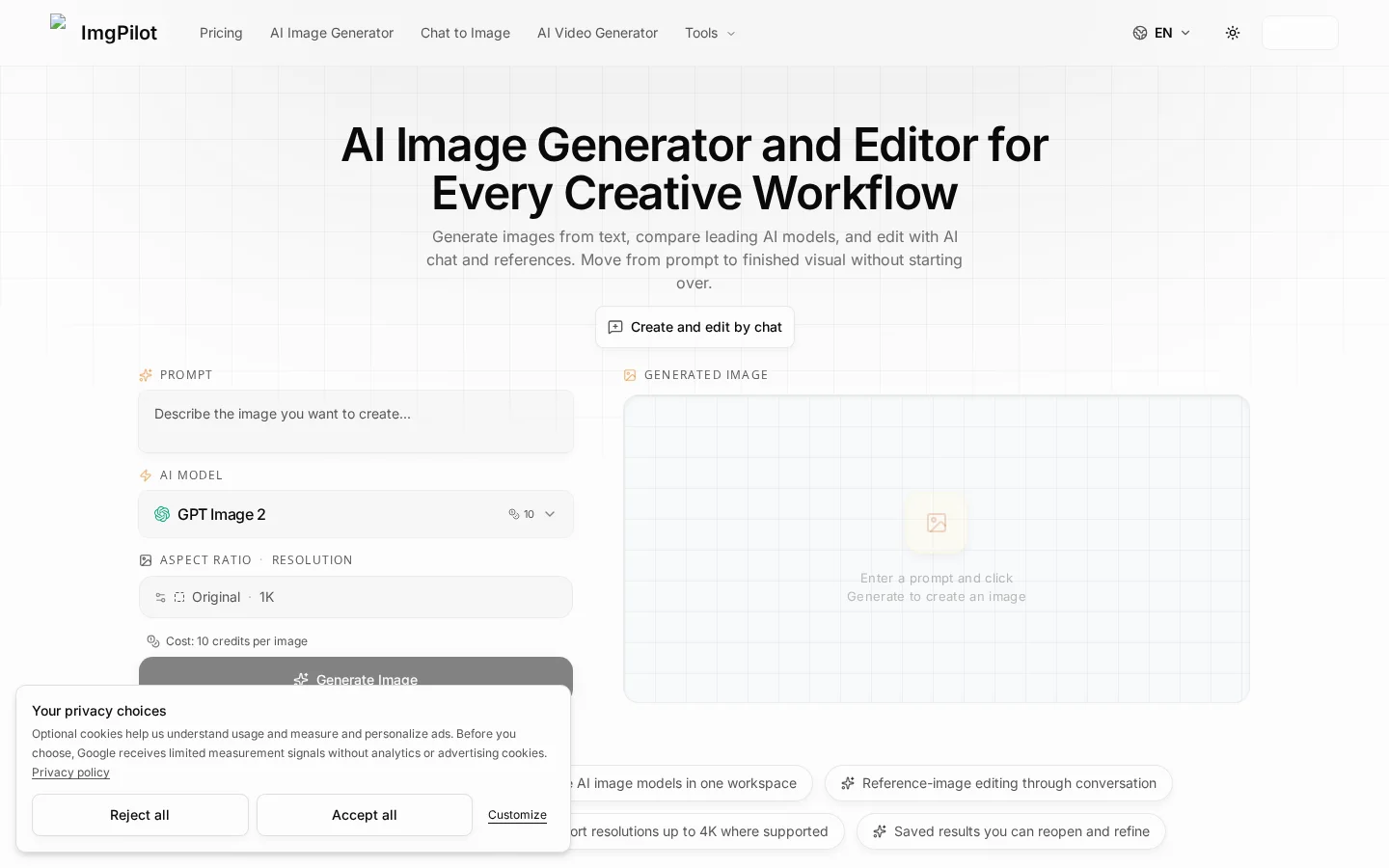
ImgPilot offers two core creative workflows: the AI Image Generator is ideal for quickly producing high-quality initial visuals when ideas are clear, allowing direct control over models, aspect ratios, and resolutions; while Chat to Image builds a fully conversational workflow, enabling users to upload reference images, precisely specify desired outcomes using the @ symbol, and simultaneously submit the same prompt to up to three AI models for intuitive comparisons of style and adherence to instructions. All intermediate results can be reused at any time for iterative refinements. The platform supports outputs up to 4K resolution, automatically saves historical records for continuous fine-tuning, and all image-generation processes consume credit points—new users receive free starter credits, while in-browser tools for converting image formats (such as HEIC/PNG/JPG/WebP/AVIF/HEIF) operate entirely offline, require no uploads, and remain permanently free.
Key features
It allows you to combine the same text prompt with reference images in a single request, simultaneously submitting it to up to three different AI models, each independently returning results for clear comparison of style and detail differences.
A @-symbol mechanism enables precise referencing of any previously generated or newly uploaded image during a conversation, serving as the basis for the next round of editing and ensuring contextually coherent, incremental image refinement.
Use cases and audience
Creators who need to quickly transform text into high-quality images, perform multi-model comparisons, conduct fine-grained edits based on reference images, or execute specialized tasks such as image enhancement, background removal, restoration, or adding motion effects.
- Generate product images, portraits, posters, thumbnails, editorial graphics, or visual concepts, with support for model and format customization.
- Create or edit images by combining uploaded reference images with text prompts, supporting up to three AI models running in parallel to compare generation results.
- Enhance image details and clarity, remove backgrounds, restore old photos, extract backgrounds from GIFs, and generate short videos from text or images.
Text prompts, uploaded reference images (up to 10), aspect ratio and resolution selections, and AI model choices (such as GPT Image 2.5 · Sunburst, Seedream 5.0 Pro, etc.).
Generated images (supporting up to 4K resolution), reusable editing history, parallel multi-model comparison results, and derivative outputs like enhanced images, background-removed versions, restorations, animations, GIFs, videos, and more.
Frequently asked questions
How do you create an image from text?
You can directly generate images by entering prompts in the AI image generator, or create images in conversational image editing by combining uploaded reference images with natural language instructions.
How are points and failed generations calculated?
Use your starter credits for image generation and conversational editing; tools for local browser use, such as format conversion, are free.
How to use
- 01
Enter everyday language-based descriptive prompts into the AI image generator.
- 02
Select an AI model, aspect ratio, and resolution.
- 03
Click “Generate,” then download or import a new workflow.
- 04
In conversational image editing, upload a reference image and use the @ symbol to precisely designate the image you wish to edit.
Pricing and availability
Each image generation consumes 10 credits; new users receive free starter credits; tools like image format conversion that run locally in the browser do not consume credits.
- Pricing source
- https://imgpilot.app/
- Pricing last updated
- 2026-10-29
Prices and limits may change. Check the official website for current terms.
Official website & sources
Updated on 2026-10-29
