

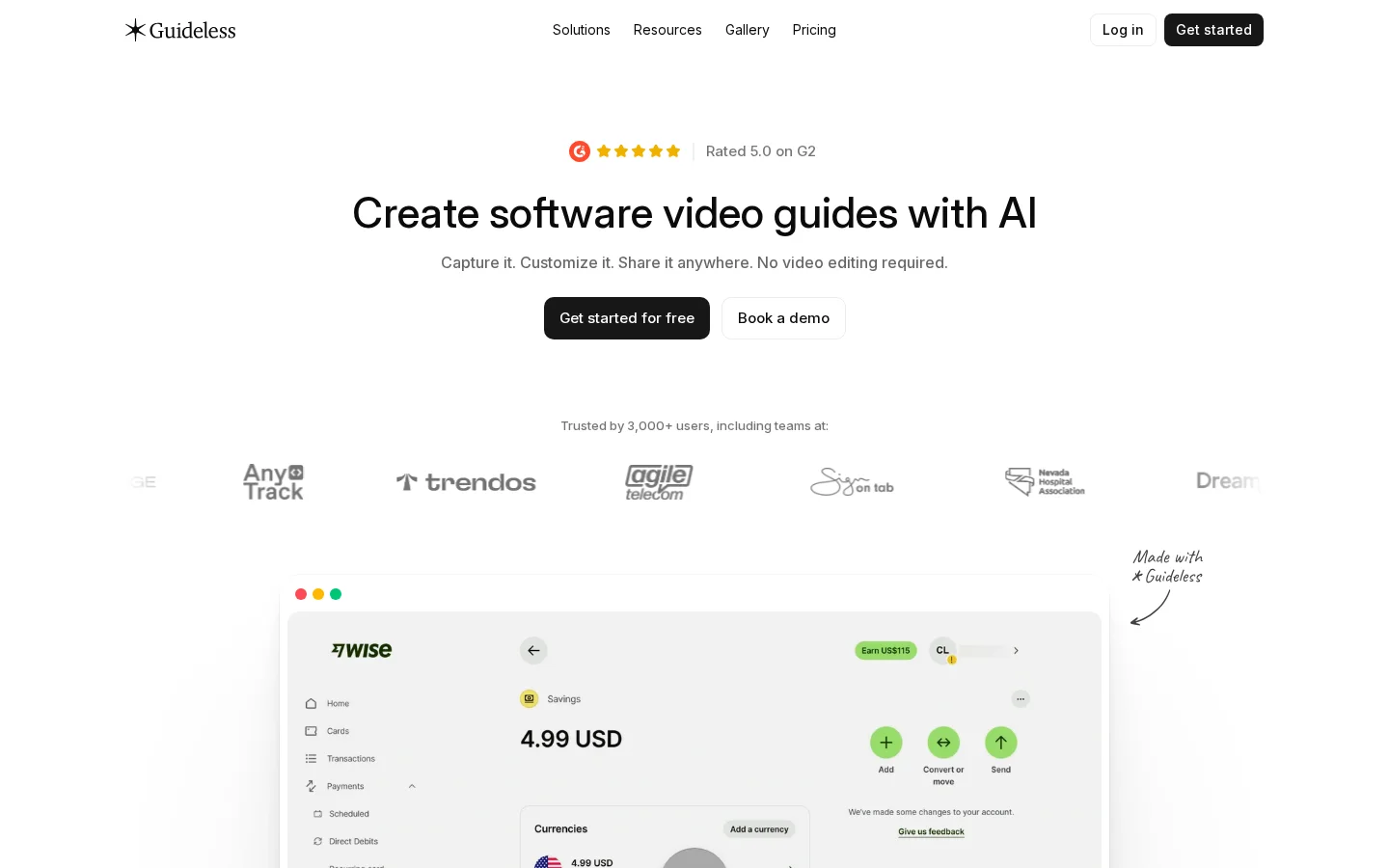
What is Guideless?
Guideless leverages AI to automatically capture user workflows, eliminating the need for live commentary during operation. With a single click, it generates step-by-step instructions written by AI, intelligent voiceovers, subtitles, branded visual effects, and interactive demo elements. The platform supports publishing in various formats—including links, embeds, MP4s, PDFs, and Markdown—and offers built-in analytics to track view rates, completion rates, and user drop-off points, helping teams scale their document knowledge bases effectively.
Key features
The AI automatically generates step-by-step instructions, voiceovers, and subtitles, while also applying brand-specific themes—such as color schemes, fonts, and animations—to ensure consistent styling across all guides. It supports AI-powered voiceovers and translations in over 42 languages, catering to global teams and customers.
An all-in-one AI editor allows users to simply update specific steps, regenerate corresponding AI-generated content and voiceovers, add annotations or blur sensitive information on screenshots, and perform multilingual translations—all within a single interface.
Use cases and audience
This platform is tailored for teams that need to efficiently create, update, and distribute software user guides, including product teams, customer success teams, learning and development (L&D) departments, technical support staff, and documentation engineers.
- Create software operation video guides and illustrated tutorials.
- Employee Training and Customer Self-Service Onboarding
- Standard Operating Procedures (SOPs) and Help Center Content Generation
User actions captured directly from the software—such as clicks, inputs, and navigations—along with optional branded assets (including theme colors, logos, and fonts) and language preferences.
MP4 videos with voiceovers and subtitles, web-embeddable help documents, PDFs, Markdown files, and analytical data tracking metrics like views, playback rates, and completion rates.
Frequently asked questions
What are the primary use cases for Guideless?
Guideless is specifically designed for creating software guides, employee training materials, customer onboarding tutorials, standard operating procedures (SOPs), product demonstrations, internal documentation, and help center content; AI can automatically generate step-by-step instructions, voiceovers, subtitles, and visual effects directly from the workflow.
Can AI-generated guides be edited?
Yes, it’s possible. You can rewrite step-by-step instructions, regenerate voiceovers, replace screenshots, customize themes and AI voices, and edit any part of the guide before publishing.
How to use
- 01
Automatically performs target software operations, with Guideless capturing each step automatically
- 02
AI automatically generates step-by-step text instructions, voice-over narration, and subtitles, applying brand-specific styling
- 03
Adjust screenshots, blur sensitive information, update changed sections, or translate into multiple languages within the AI editor
- 04
Publish via links, embed codes, MP4/PDF/Markdown exports, and track viewing metrics
Benefits and limitations
Benefits
- Significantly saves time compared to traditional video editing
- No need to manually write scripts or record audio
- Easily update guides without re-recording the entire process
- By default, it generates concise, professional content that aligns with your brand’s tone and style
Limitations
- The capture feature is currently limited mainly to the Chrome browser
- The quality of the initial script generation depends on the accuracy of the AI
- AI processing and hosting require an internet connection
Official website & sources
Updated on 2026-10-29
