
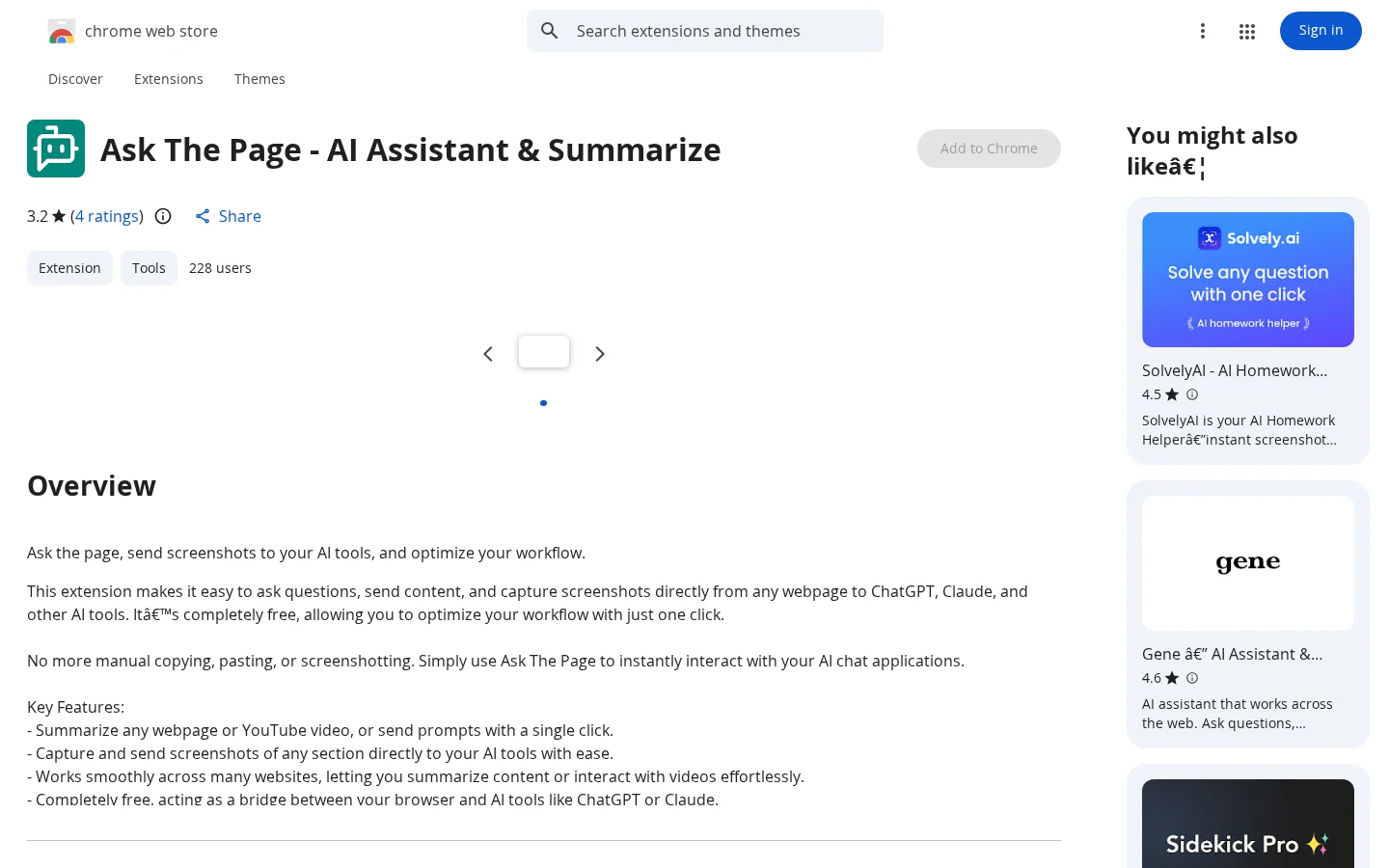
What is Ask The Page?
Ask The Page is a free Chrome browser extension that serves as an intelligent bridge between web pages and mainstream AI tools. It lets you send web content, screenshots, or questions to applications like ChatGPT, Claude, Poe, Google Gemini, and Mistral AI with a single click—no need for manual copy-pasting or repeated screenshots—greatly improving information-processing efficiency. It’s ideal for students to quickly distill key points from lengthy texts, researchers to efficiently analyze multi-source materials, professionals to instantly interpret charts and designs, and journalists and investors to extract in-depth summaries and insights from vast amounts of web content. Trigger it with the ALT + Q shortcut or by clicking the extension icon; compatible with most websites, it offers extremely simple operation yet powerful functionality.
Key features
Summarize any webpage or YouTube video with one click, or directly send custom prompts to AI tools;
Capture screenshots of any area on a webpage and instantly send them to AI tools such as ChatGPT and Claude for visual content analysis (e.g., chart interpretation, design feedback, etc.).
Use cases and audience
Students, professionals, researchers, journalists, data experts, investors
- Quickly summarize complex or lengthy webpages, extract key information, and perform in-depth analysis—perfect for students and professionals.
- Send charts and design diagrams to AI tools via screenshot, and receive explanations or suggestions within seconds
- Enables researchers, journalists, data experts, and investors to quickly process and summarize large amounts of data, rapidly gaining valuable insights
Webpage body text, YouTube video pages, screenshots of any webpage area
AI-generated summaries of webpages/videos, AI interpretations and suggestions for charts or designs in screenshots, and AI analysis results of data content
Frequently asked questions
Do you need to pay to use this feature?
Completely free—no subscriptions, no limits on usage, and no hidden fees
Which AI chat tools are supported?
Supports ChatGPT, Claude AI, Poe, Google Gemini, and Mistral AI
How to use
- 01
Press the ALT + Q shortcut on any webpage, or click the extension icon in the top-right corner of your browser
- 02
Select either the “Summarize Current Page” or “Summarize YouTube Video” feature
- 03
Capture a screenshot of any area on the webpage and send it directly to connected AI tools (such as ChatGPT or Claude)
- 04
No need for manual copy-paste; after automatic formatting, the content is pushed to the target AI chat interface
Pricing and availability
Completely free; no subscription period, no usage limits, no word/character limits; no commercial use restrictions or licensing terms mentioned
- Pricing source
- https://chromewebstore.google.com/detail/ask-the-page-ai-assistant/ffiginjlhjpcjobgijcopmijhpbegfng
- Pricing last updated
- 2026-10-29
Prices and limits may change. Check the official website for current terms.
Official website & sources
Updated on 2026-10-29
