
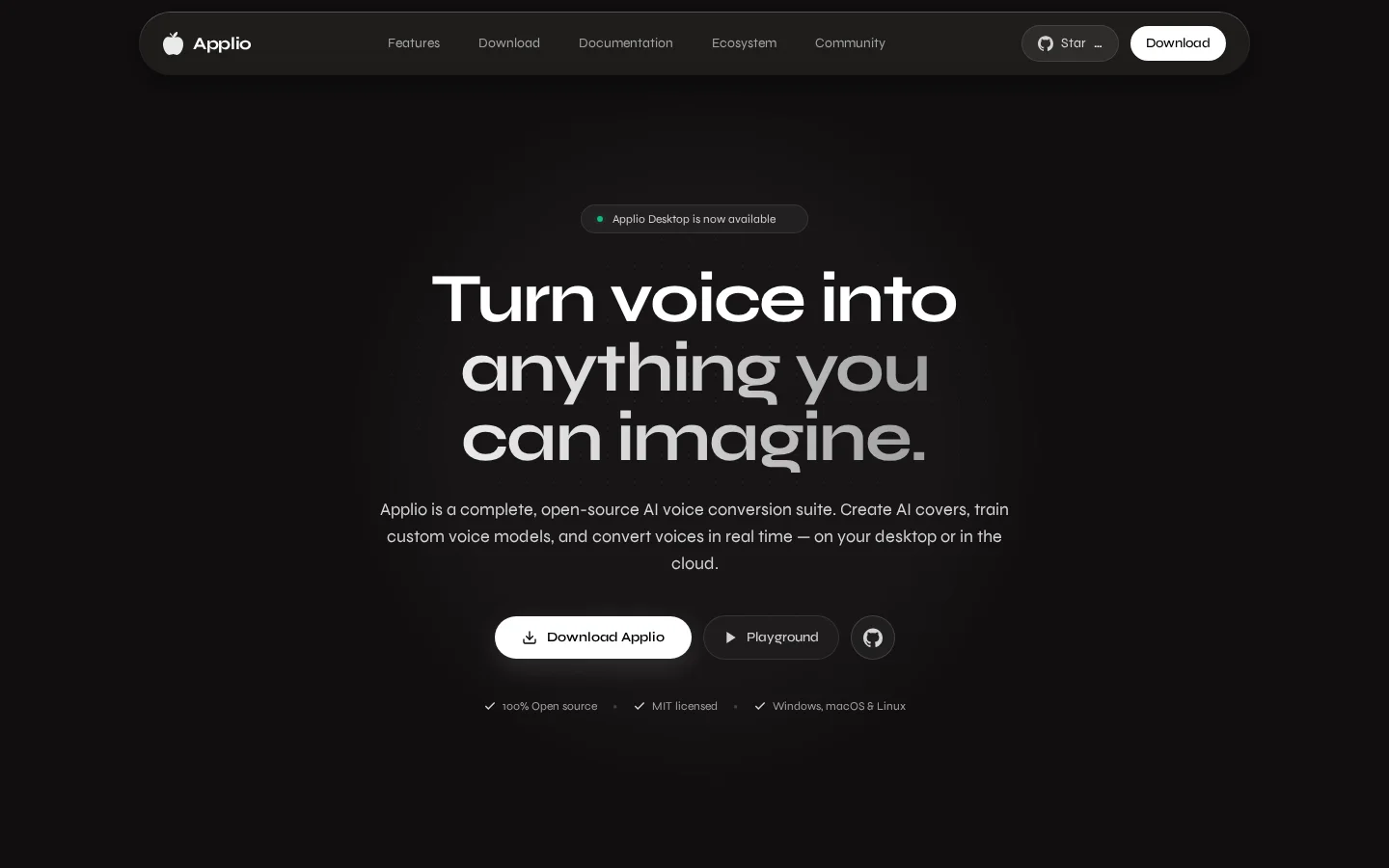
What is Applio?
Applio is a complete open-source AI voice conversion suite that supports AI cover song creation, custom voice model training, and real-time voice conversion—either locally on your desktop or in the cloud. It provides a full end-to-end toolchain, from audio preprocessing and model training to voice blending and text-to-speech, and is available to creators, researchers, and commercial users. All features are free and can be freely modified and distributed.
Key features
Voice Conversion: Use pre-built voice models to convert any audio into a specified voice, with support for pitch adjustment, audio noise reduction, sample rate enhancement, and batch file processing.
Real-Time Voice Conversion: Achieve low-latency inference to enable real-time voice modulation from microphone input, suitable for live streaming, voice calls, and singing applications.
Use cases and audience
Catering to users at all levels—from beginners with zero experience to professional audio engineers—including music creators, streamers, developers, and researchers.
- Create AI cover songs by using pre-built voice models to convert any audio into a specified voice.
- Real-time voice transformation for live streaming, voice calls, or karaoke scenarios, with low-latency inference ensuring a smooth experience.
- Train a custom voice model to generate highly personalized voices based on your own audio dataset.
Audio files (such as songs or speech), real-time microphone input, text content (for TTS), and custom audio datasets (for model training).
Converted vocal audio (including cover songs, real-time voice modulation, and TTS-generated speech), exportable self-trained voice models, and audio health analysis reports.
Frequently asked questions
Does Applio require account registration or internet connectivity to use?
No account registration is required, there’s no telemetry, and all processing runs locally on your device by default.
Can Applio be used in commercial projects?
Yes, Applio is licensed under the MIT License, allowing free use for personal, research, and commercial purposes.
How to use
- 01
Download the Applio desktop application, or choose the classic Gradio web UI.
- 02
Select a community-shared voice model, or train a custom voice using your own audio dataset.
- 03
Import an audio file to be processed, microphone input, or text content.
- 04
Perform voice conversion, real-time voice modulation, or TTS synthesis, with support for pitch adjustment, audio enhancement, and batch processing.
Benefits and limitations
Benefits
- Simple and easy to use
- High-quality voice conversion
- Good performance
- Available on Windows, Mac, and Linux
Limitations
- Currently in closed beta (Windows only)
- Limited information available regarding specific features
Pricing and availability
Completely free—no subscription fees, no usage limits, and no hidden charges; open-source with no licensing fees.
- Pricing source
- https://applio.org/
- Pricing last updated
- 2026-10-29
Prices and limits may change. Check the official website for current terms.
Official website & sources
Updated on 2026-10-30

