

What is AISignature?
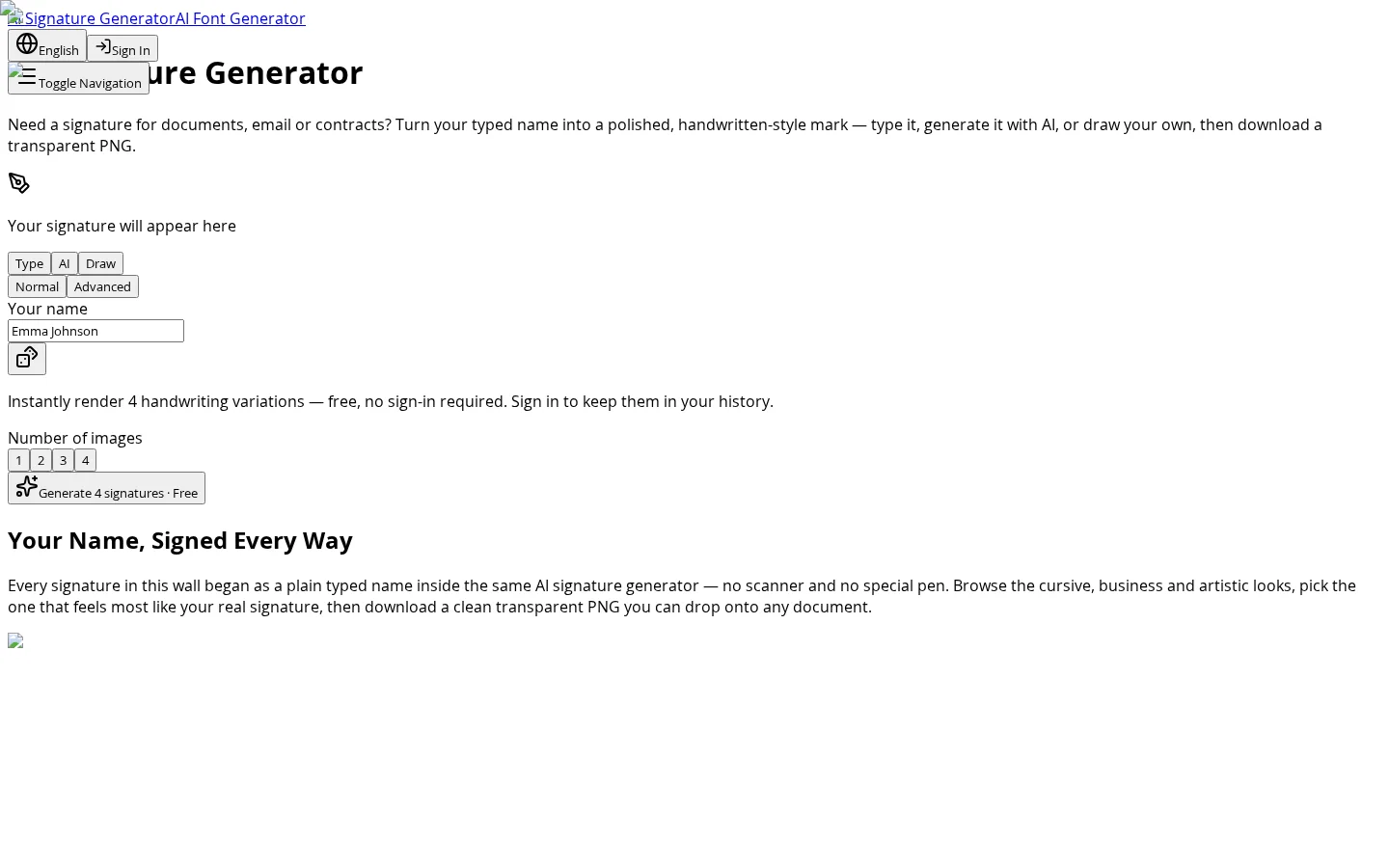
AISignature is an online AI signature generation tool designed for professionals, freelancers, and creative workers. Users simply enter their name or initials to instantly receive four distinct handwritten signature variations—including cursive, business, and artistic styles—along with real-time comparisons, unlimited regenerations, and one-click downloads. Additionally, its built-in hand-drawing signature board lets users sketch directly, with automatic stroke smoothing and optimization, producing professional-grade transparent images. The entire process requires no registration and works independently of hardware, delivering a truly digital “type-and-sign” signing experience.
Key features
After entering a name, the AI automatically renders four distinct handwritten signature variants—such as cursive, business, and artistic styles—while supporting side-by-side comparisons and unlimited regenerations until satisfied. All operations are free and require no login.
A built-in hand-drawing signature board supports input via mouse, trackpad, finger, or stylus, automatically smoothing and cleaning up strokes to produce transparent PNG signature images of the same quality as those generated by AI.
Use cases and audience
Professionals who need to sign contracts, freelancers looking to speed up client deliveries, artists adding unique identifiers to their work, and personal brand owners
- Quickly add consistent, professional electronic signatures to contracts, NDAs, and approval documents, eliminating the need for the print‑sign‑scan workflow.
- Embed elegant signatures in proposals, invoices, and agreements to speed up client deliverables for freelancers
- Add expressive, personalized signatures to art prints, brand assets, and more, using them as your personal mark
The user’s full name or initials; or a handwritten signature sketched on the drawing board using a mouse, trackpad, finger, or stylus
Transparent background PNG or SVG format signature images
Frequently asked questions
How does the AI Signature Generator work?
After entering a name, the AI converts it into a realistic handwritten-style signature; you can also switch to drawing mode to hand-draw a signature using a mouse, trackpad, finger, or stylus, with automatic clarity enhancement.
How do you create a signature for your documents?
Enter a name to generate signatures in multiple styles, or use the built-in signature canvas to draw by hand; all results are exported as transparent PNGs, ready to be placed directly into PDFs, contracts, spreadsheets, invoices, and email signature fields.
How to use
- 01
Enter your full name or initials into the AI Signature Generator
- 02
Select “Type” mode to let AI automatically generate four handwritten style variations
- 03
Compare different styles side by side—cursive, business, artistic—and choose the one that best matches your image
- 04
Click to download your signature in transparent PNG format, ready to insert directly into PDFs, emails, or design files
Benefits and limitations
Benefits
- No mandatory registration or account creation required to get started
- Generates clean, transparent PNG files that can be easily overlaid onto documents
- Offers multiple input methods, including AI-generated and auto-smoothing drawing boards
- Eliminates the need for printing-signing-scanning altogether, saving significant time
Limitations
- The free version allows downloading only up to 2 signatures
- History and save features are available only after logging in
- Commercial use and print-on-demand (POD) require a paid plan
Pricing and availability
Free version: 10 signature generations per day, limited to standard 1K resolution, with restricted tools and style options. The Pro monthly plan costs $6.99/month (equivalent to $4.08/month when paid annually), offering 300 generations per month, 2K/4K high-resolution output, SVG export, commercial licensing, and access to all tools and styles. The Pro Pack is a one-time purchase of $9.99, providing lifetime credits, commercial use rights, and support for exporting transparent PNGs and SVGs.
- Pricing source
- https://www.aisignature.io/
- Pricing last updated
- 2026-10-27
Prices and limits may change. Check the official website for current terms.
Official website & sources
Updated on 2026-10-27