

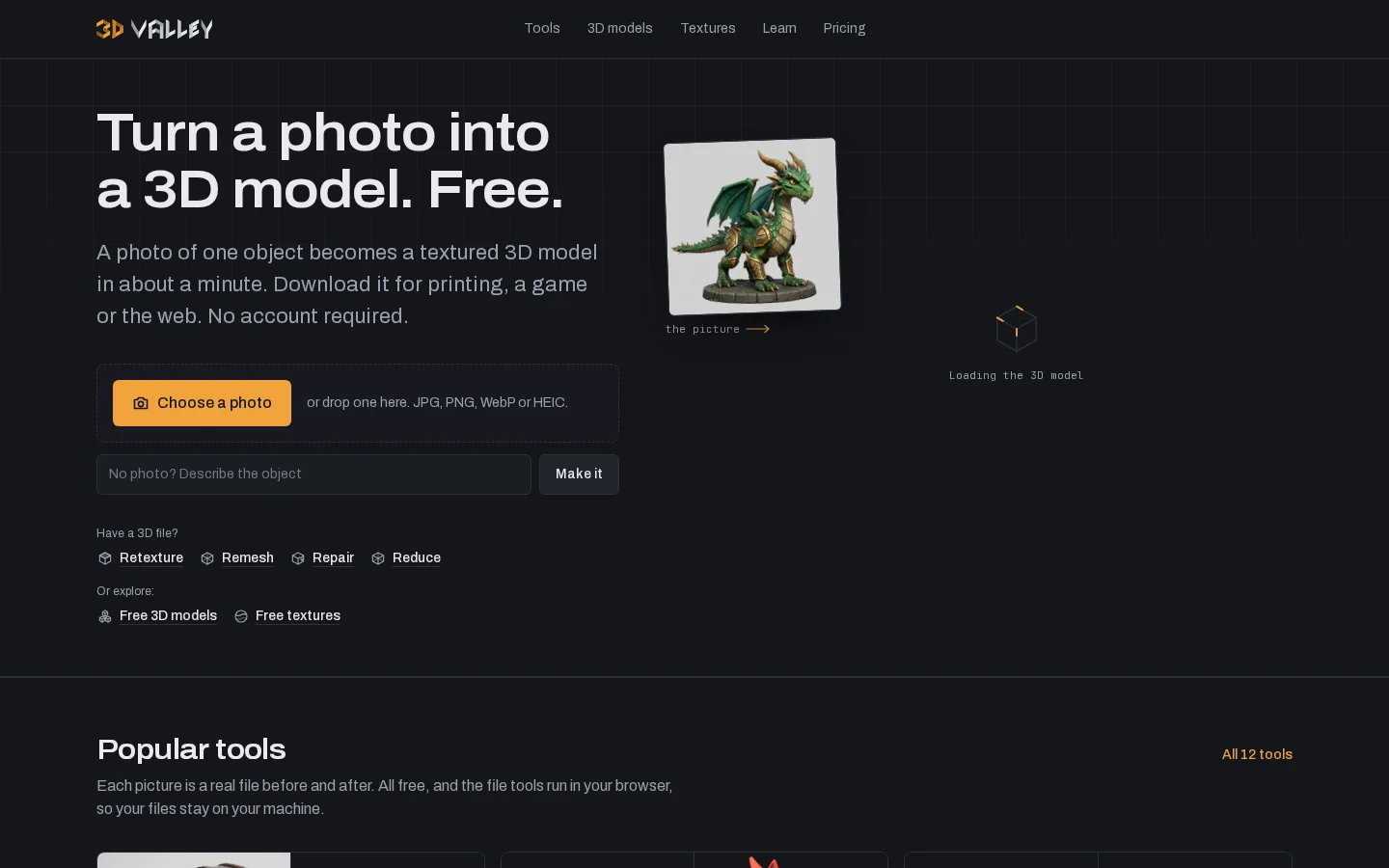
What is 3D Valley?
Currently, 3D Valley can generate models from a single object photo or text description. Supported image formats include JPG, PNG, WebP, and HEIC, and the results can be downloaded as GLB, OBJ, or STL. Existing models can have their materials swapped based on reference images or text descriptions; mesh simplification and reconstruction are used to adjust complexity and topology, while preserving textures for use in games, web presentations, or print preparation.
The official website clearly distinguishes computing locations: generation, retouching, and texture creation are sent to the server, while most repairs, conversions, viewing, and printing are performed in the browser; mesh reconstruction for mobile devices or large models may also be offloaded to the server. The model library links to CC0‑licensed assets from Poly Haven, ambientCG, and Sketchfab—each file’s source should be verified individually. The site notes that the domain will be transferred and rebuilt in 2026, and that legacy artist‑created content dating back to 2003 will not be republished, so new AI features must not be presented as long‑standing offerings of the old site.
Key features
Photo and text generate 3D models
Re-texturing existing models
Surface reduction and mesh reconstruction
Seamless Texture and Texture Map Generation
Model Conversion and Browser Viewing
CC0 Models and Texture Retrieval
Use cases and audience
3D creators, game developers, web designers, and printing enthusiasts
- Creating 3D concepts and game props
- Organize the mesh and format of existing models
- Finding reusable 3D assets
Object photos, textual descriptions, 3D models, and texture references
3D models, texture maps, and processed files
How to use
- 01
Choose a generation or file-processing tool to prepare a single-object photo, description, or existing model.
- 02
Inspect the model’s shape, topology, and textures, and adjust them according to their intended use.
- 03
After confirming the generated quota, processing location, and asset license, download in the appropriate format.
Benefits and limitations
Benefits
- 工具可免费使用,无需注册
- AI 支持通过图片和文字生成模型
- 许多文件处理工具免费且不限次数
- 大多数文件处理工具在浏览器中运行,有助于将文件保留在用户设备上
- 素材库提供 CC0 许可资源,使用时无需注明出处
- 积分一次性购买,无需订阅;生成失败时会退还相应积分
Limitations
- AI 工具有每日免费使用次数限制
- AI 生成时会将提交的照片、模型或描述发送到服务器进行处理
- 积分自最近一次购买起 12 个月后过期
- 部分高级 AI 引擎每次运行可能比免费选项消耗更多积分
- 在手机上或处理超大型模型时,Remesh 可能会使用服务器进行处理
Pricing and availability
全部 12 款工具,无需注册。AI 工具每天提供免费使用额度;Repair、Reduce、Compress、Convert、Viewer 和打印成本计算器均可不限次数使用。
一次性付款,约可生成 200 个模型。1 积分 = 1 美分,无需订阅;积分有效期为 12 个月。
一次性付款,约可生成 550 个模型,额外赠送 10% 积分。无需订阅。
一次性付款,约可生成 1,200 个模型,额外赠送 20% 积分。无需订阅。
一次性付款,约可生成 2,600 个模型,额外赠送 30% 积分。无需订阅。
The official website states that no registration is required; each visitor to the AI tool has a daily free quota, and most browser-based file tools are free with unlimited uses. Once the quota is exhausted or when using advanced engines, you can purchase credits; model costs start at 5 cents, with no subscription. Actual resource consumption for different engines should be confirmed before generation.
- Pricing source
- https://3dvalley.com/
- Pricing last updated
- 2026-10-26
Prices and limits may change. Check the official website for current terms.
Official website & sources
Updated on 2026-10-26
