

What is Kimi PPT助手?
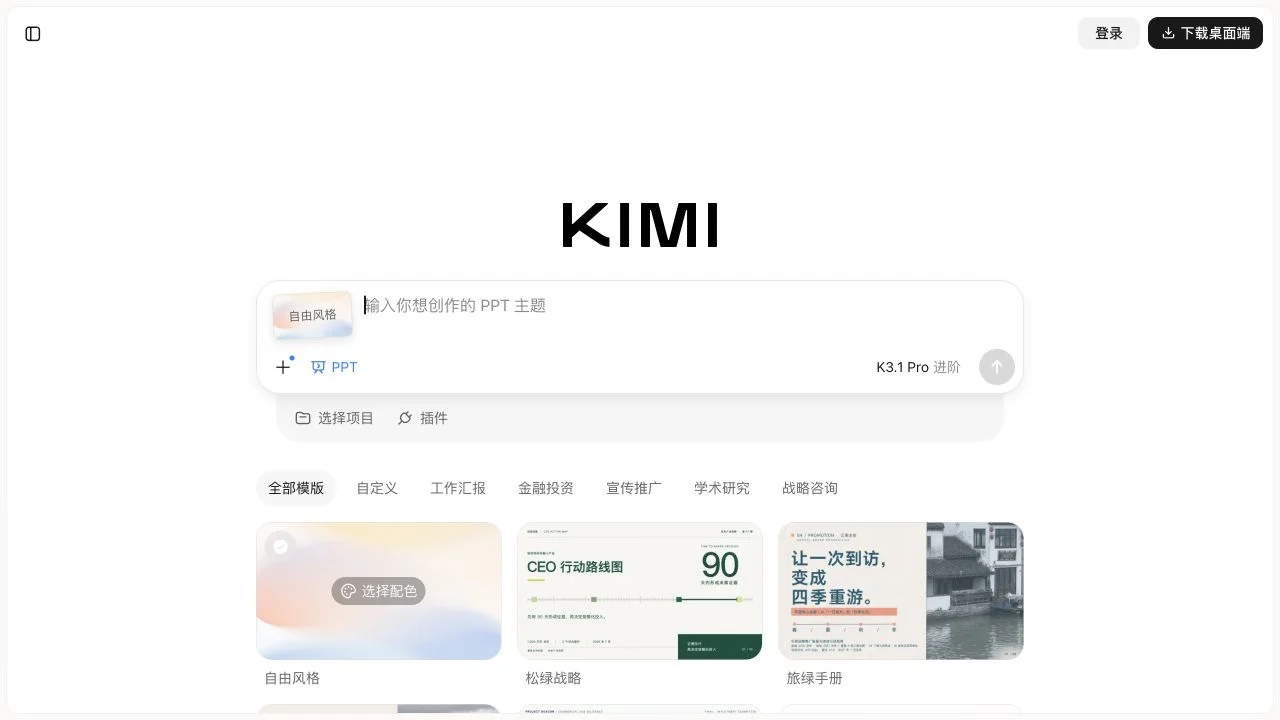
Kimi PPT Assistant provides a dedicated interface for entering PPT topics, linked to Kimi’s project and plugin portal. Users can specify the presentation theme, purpose, and key points to be covered, or upload relevant materials via the file upload feature—eliminating the need to manually build content page by page on blank slides.
This round of verification focuses on the public workspace and the topic-input interface; no generation tasks were submitted, nor was a login test conducted. Therefore, this section only describes the visible creation workflow and does not guarantee specific output page counts, file export formats, login-free generation, or unlimited free usage. The generated content and any citations remain subject to user review.
Key features
PPT theme input entry point
File upload entry point
Project Selection and Plugin Entry Point
Use cases and audience
Users who need to prepare presentations, teaching materials, or sharing demos
- Demo Themes and Content Creation
- Prepare a report based on the available materials.
Demo topic, task requirements, and related files
AI-assisted demo content
How to use
- 01
Open Kimi’s PPT page.
- 02
Fill in the demo topic and content requirements, and add materials or select projects as needed.
- 03
Continue creating based on the features available to your account, and review the content and assets.
Official website & sources
Sources
Updated on 2026-10-24

