

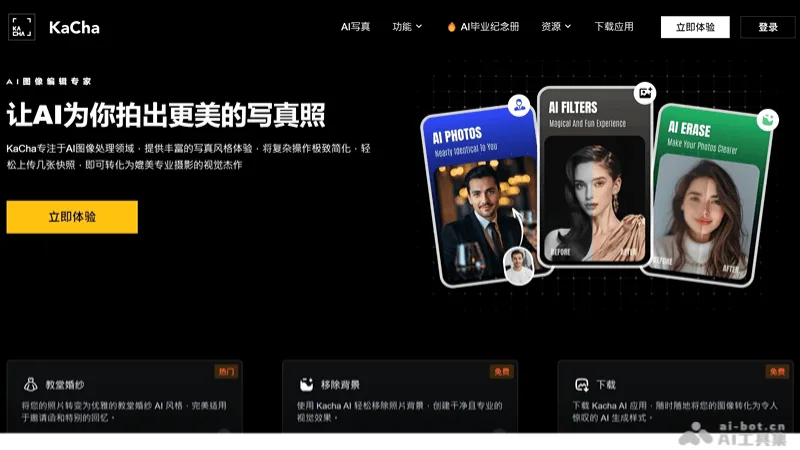
What is Kacha AI?
Kacha begins by allowing users to upload photos and select clothing, settings, or styles, covering professional portraits, cartoons, wedding dresses, travel photography, and more. The generated results can be used for personal avatars and creative presentations, though it’s still necessary to verify that the subject’s identity, facial details, and scene align with the intended purpose.
The official website also lists options for background removal and online ID‑photo generation, but compliance notices on the page do not guarantee that all accepting agencies will accept the generated images. The terms and conditions of different photo‑studio services, online tools, and apps should be verified separately; the public page does not provide a complete breakdown of packages, image counts, or export specifications, nor does it invent a uniform free quota.
Key features
AI Careers and Themed Portraits
Cartoon and avatar style
Clothing and scene changes
Photo editing and enhancement
Independent background removal entry
Use cases and audience
Personal Image and Photo Creation User
- Explore your own avatar and visual style direction
- Create an authorized-themed photo shoot
- Prepare style images for social content
Authorized photos and style selection
AI-generated photos, avatars, and stylized images
How to use
- 01
Select the corresponding product and prepare a photo of yourself or an authorized representative.
- 02
Choose a style and scene, then review the generation details.
- 03
Save after confirming the intended use, export settings, and account conditions.
Official website & sources
Updated on 2026-10-25


