

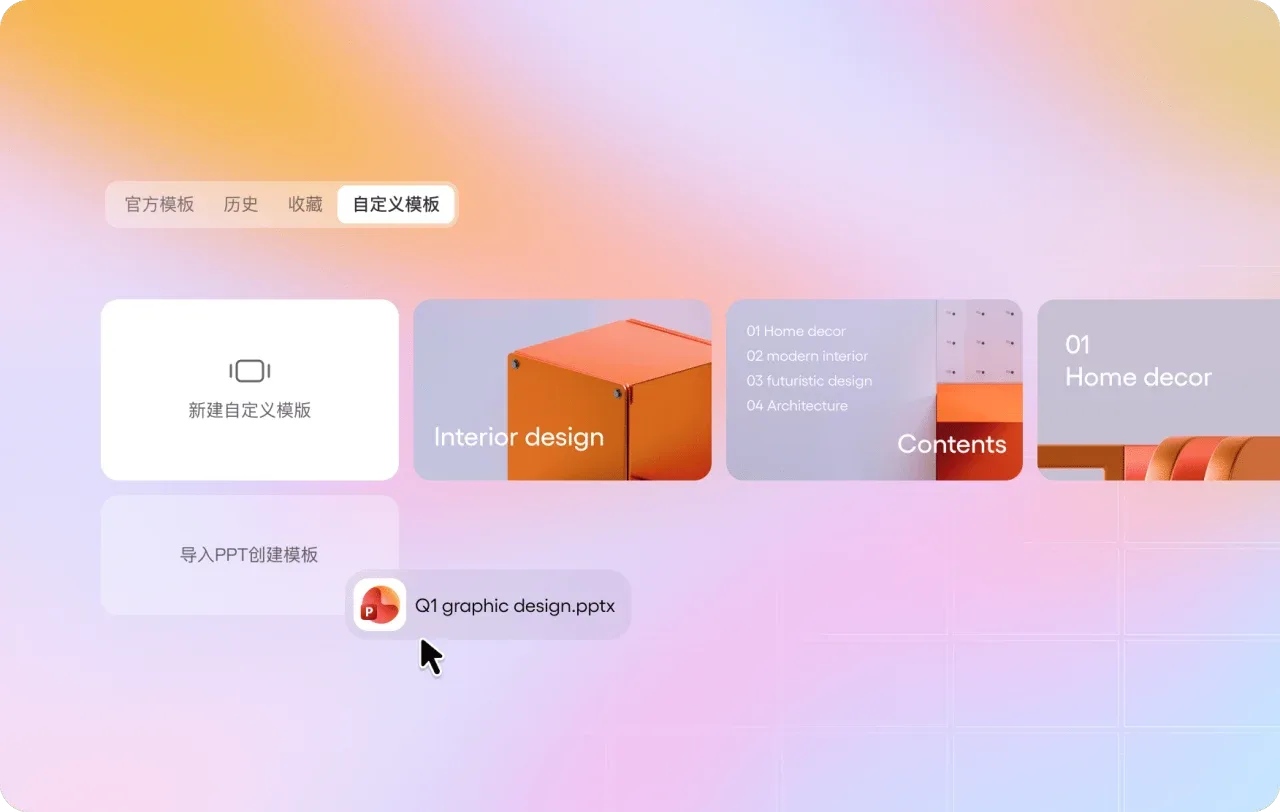
What is 博思AIPPT?
Bosi AIPPT breaks down the presentation‑creation process into data input, outline verification, page generation, and editing for delivery. Users can describe the topic or import content from Word, PDF, TXT, Markdown, mind maps, and web pages, then adjust sections, key points, and the number of slides to produce a preliminary draft that can be further refined.
The platform offers access to template layouts, single-page content editing, AI‑powered image generation, and old‑draft enhancement, making it ideal for refining structure and layout based on existing information. For teams, it also enables management of shared spaces, member permissions, corporate templates, and brand colors and fonts, ensuring consistent output across different team members.
Supported output formats include PPTX, PDF, PNG, and JPG, though specific import, editing, and export capabilities depend on your account plan. After generation, you must still verify citations, data, charts, and business conclusions, and check fonts, page overflow, and the final presentation’s appearance; do not treat the automated draft as a formal document that requires no proofreading.
Key features
Multiple inputs: topics, documents, web pages, Markdown, and mind maps.
Structure organization: First, edit the outline; then, generate the page.
Layout editing: templates, illustrations, single-page editing, and old-article beautification.
Team Delivery: Template and Brand Asset Management, Multi-Format Export.
Use cases and audience
Professionals, educators, and teams who need to create work reports, training materials, project proposals, and research presentations.
- Organize the document into training materials and presentation slides.
- Compress research materials into a clear, structured presentation.
- Prepare team files with a consistent style based on the enterprise template.
Topics, documents, web links, mind maps, or existing PPTs, along with the target number of pages and language requirements.
A demo draft that can be edited online, as well as PPTX, PDF, PNG, JPG, and other files permitted by account permissions.
How to use
- 01
Choose from theme generation, data import, or old draft enhancement.
- 02
Confirm the outline, key points, target word count, and language.
- 03
Choose a template and customize the page content and branding details.
- 04
Verify the data and formatting, then export it for delivery according to the current permissions.
Benefits and limitations
Benefits
- Data organization, outline creation, and page editing form a seamless workflow.
Limitations
- Import in various formats and source file downloads are available depending on the plan.
- Facts, data, and typography still require manual verification.
Pricing and availability
Free entry available
2026-10-24 Verification of the official membership page: Regular users have a limited number of free trial sessions; 1-month VIP is priced at CNY 45, the promotional price for 1 year of VIP is CNY 99, and the limited-time offer for lifetime VIP is CNY 218. The VIP tier includes benefits such as 5,000 points per seat per month; however, unlimited generation does not mean that all premium features are free of point restrictions—specific export permissions, promotions, and billing are subject to the current plan.
- Pricing source
- https://pptgo.cn/price/
- Pricing last updated
- 2026-10-24
Prices and limits may change. Check the official website for current terms.
Official website & sources
Sources
Updated on 2026-10-24

